
The 6 Best Valley Alternatives for LinkedIn Outreach in 2026
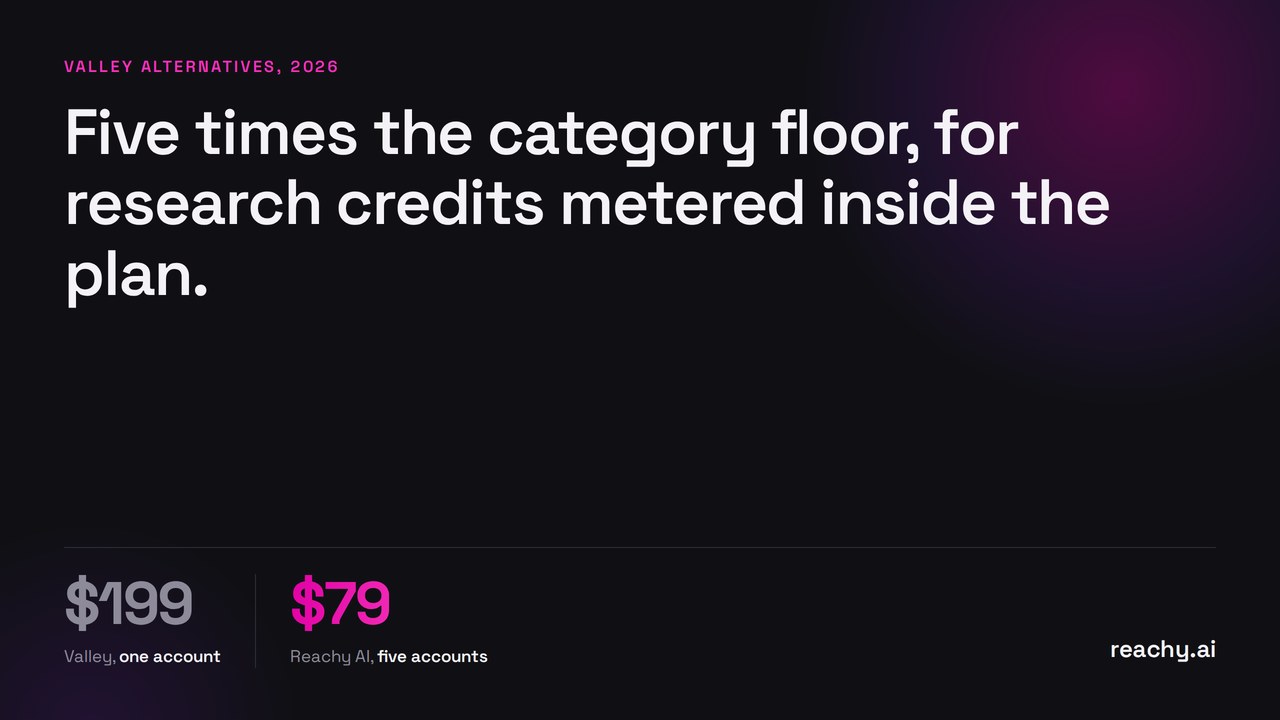
Valley is the premium end of LinkedIn automation: $199 a month for one account, $149 billed quarterly, and $499 for the tier covering up to five. That buys deep-research AI credits and a dedicated IP per account. It is a serious product at a price most small teams look at twice.
If you are here because of that price, here are six alternatives, and one argument of Valley’s worth taking seriously before you switch.
Valley alternatives at a glance
| Tool | From | 5 accounts | Runs | AI |
|---|---|---|---|---|
| Reachy AI | $59/mo | $149 flat | your machine | included (or your own key) |
| SalesRobot | $59/mo | ~$295 | cloud | included |
| Dripify | $59/mo | per user | cloud | templates |
| Lemlist | $69/seat/mo | ~$345 | cloud + extension | included |
| HeyReach | $79/sender/mo | ~$395 | cloud | included |
| Expandi | $99/mo | ~$495 | cloud | included |
| Valley | $199/mo | $499 | cloud | included, metered credits |
Vendor-published as of August 2026.
Valley’s own argument, stated fairly
Valley’s comparison page makes a blunt claim: never use a Chrome-extension tool, because architecture decides account safety more than any feature list. On the first half of that, they are right, and it is unusual for a vendor to lead with an architectural argument rather than a feature grid.
Where I disagree is the conclusion. Valley’s answer is cloud plus a dedicated IP per account. That is better than shared datacenter IPs, but it is still not your IP. Your account is still being accessed from an address it has never seen you use, and it can still appear active in two places at once. The extension problem and the cloud problem are both real, and there is a third option: run the automation on your own machine as a desktop app, which is neither. That is the argument I make in cloud vs local LinkedIn automation, and you should read both sides.
Why look for a Valley alternative?
The entry price. $199 for one account is roughly five times the category floor for a working tool. Most people looking at alternatives are not disputing the quality, just the number.
Credits are metered. The deep-research allowance is described as $300 a month of credits on the upper tier. Metered AI inside a subscription means your effective cost per prospect is not fixed and not visible.
Quarterly, not annual. The discount requires committing a quarter at a time, with no annual option shown. That is a shorter lock-in than most, which is fair, but it also means the cheaper number needs a commitment.
Thin third-party record. Valley states 300+ teams. I could not find a G2 or Capterra profile with a review count, so there is less independent evidence than for older tools here. That is normal for a newer product and worth knowing.
1. Reachy AI, if you want the AI billed at cost
My product, so verify the rest yourself.
Reachy AI attacks the same cost line from the opposite direction. Instead of bundling AI credits and marking them up, it includes AI on every plan, and you can connect your own OpenAI, Claude, Gemini or OpenRouter key and pay the model provider directly at 0% markup. In practice, scoring and writing for a full campaign runs to tens of dollars, not hundreds. And it runs as a desktop app on your machine, so there is no IP question to solve with a dedicated address.
$59 for one account, $149 for five, $299 for fifteen. Five accounts on Reachy AI is $149 against Valley’s $499.
Pick something else if you want deep automated research per prospect handed to you as a finished product, or you need sends running while your machine is off.
2. HeyReach, if you are an agency
$79 per sender, flat unlimited plan for large operations, purpose-built for multi-account work. It is the natural home for agencies past twenty senders, and cheaper than Valley from the first account. Reachy AI vs HeyReach has the small-agency math.
3. Lemlist, if the research budget should go to email
At $69 per seat for email and $109 for multichannel, Lemlist puts the spend into channel coverage rather than per-prospect research. It has over 2,000 G2 reviews, the deepest evidence base in this list. One LinkedIn account per seat is the constraint.
4. SalesRobot, if you want cloud at a third of the price
$59 to $99 per LinkedIn account, 35% off annually, AI reply suggestions included. It does less than Valley. It also costs a quarter as much for a single account.
5. Expandi, if you want a dedicated IP without the premium
Expandi at $99 per seat offers country-based dedicated IPs, which is the same safety argument Valley makes, at half the entry price and with a much longer operating history. Reachy AI vs Expandi.
6. Dripify, if you want simple and cheap
$59 monthly, $39 annually, straightforward cloud sequences. No research layer, no signals. If Valley felt like more product than you needed, this is the honest floor of the cloud category.
Which should you actually pick?
- The AI cost is the problem: Reachy AI, where you pay the model provider directly.
- You are an agency: HeyReach above twenty senders, Reachy AI below fifteen.
- You want cloud with a dedicated IP, cheaper: Expandi.
- You want most of the capability at a third of the price: SalesRobot.
- Email matters as much as LinkedIn: Lemlist.
- Valley’s research depth is genuinely the value: stay. It is the only tool here selling that, and switching to save money on a thing you actually use is a bad trade.
Download Reachy AI to try it on a 14-day trial, no card required.
Frequently asked questions
- How much does Valley cost?
- Valley is $199 per month for one LinkedIn account, or $149 per month billed quarterly. The Everything plus Deep tier covering one to five accounts is $499 per month, or $419 quarterly. A managed service, Valley Studios, is listed at $1,499 per month and is currently waitlist only.
- What is the cheapest Valley alternative?
- Reachy AI at $59 a month flat is the cheapest full alternative, level with SalesRobot at $59 per LinkedIn account. Both cost less for five accounts than Valley charges for one.
- Why is Valley more expensive than other LinkedIn tools?
- Valley bundles deep-research AI credits into the subscription, listed as $300 a month of credits on the higher tier, and sells a dedicated IP per account. You are paying for AI enrichment depth rather than more sending capacity.
- Does a dedicated IP make cloud LinkedIn automation safe?
- It helps, but it does not remove the underlying signal. A dedicated datacenter IP is still not the IP you normally log in from, and LinkedIn can see an account active from two places. Running the automation on your own machine avoids the question entirely.